01
Plan
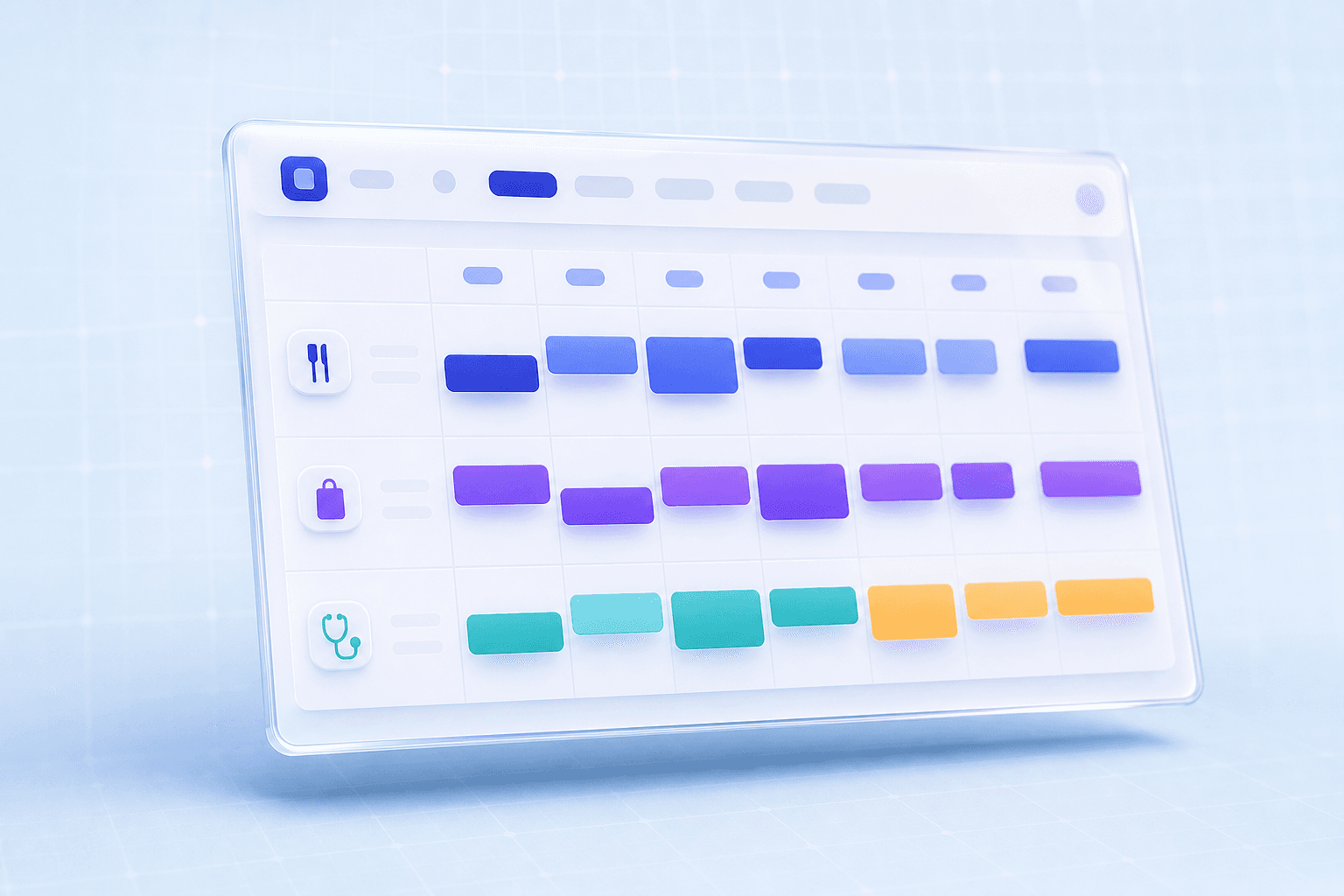
Build the week with reusable patterns
Managers start from templates, departments, and role coverage so the roster has structure before the first shift is assigned.
Template-first scheduling
 Planzion.
Jump to
ProductWorkflowModulesTourPricingProduct
Schedule hub & templatesEmployee availabilityShifts & open shiftsTime clock & punchesTimesheets & approvalsPayroll reportingOvertime visibilityLeave overviewAbsence policiesDirectory & bulk importDocuments vaultRevenue & labour reportsIntegrations & APIAccount
Log inTry freeRegisterWorkforce operations
Planzion replaces patchwork tools with structured scheduling and attendance—and an operator-grade admin console with familiar navigation across People, Reports, and Payroll so leaders stop exporting Friday-night spreadsheets.
Built for retail, hospitality, care, and any team where coverage and clarity both matter.
7
operational modules
Schedule, People, Reports, Payroll, Time, Documents, and Integrations stay connected.
1
tenant-safe workspace
Every admin and employee workflow is scoped to the right company context.
4
approval loops
Open claims, time off, shift changes, and payroll exceptions move with traceability.
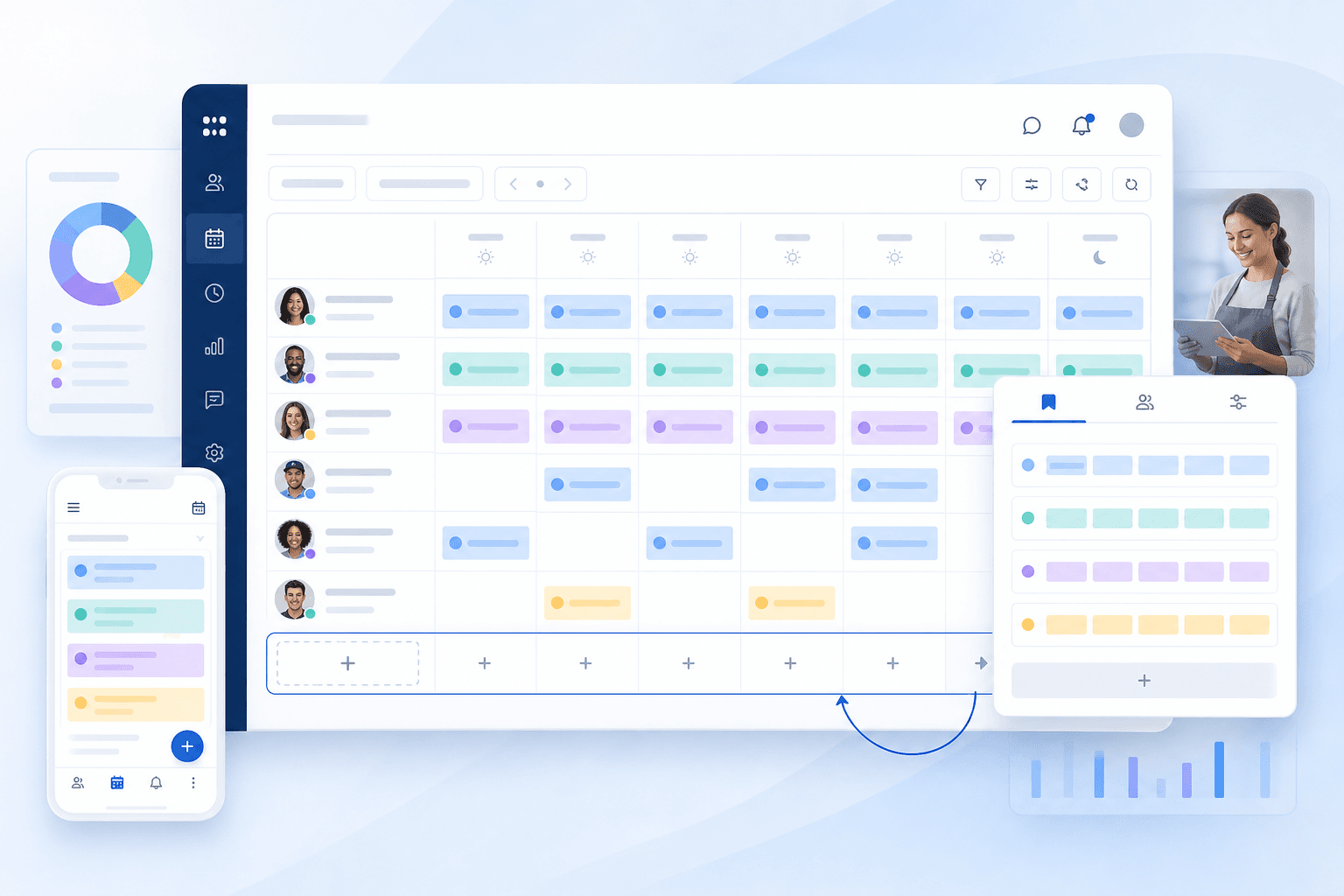
A quick tour of how operators move between roster work and the admin console—now with classic navigation, a bookmark-friendly reports library, and grouped payroll tools.
Product tour
Console navigation crews recognise
Home, Schedule, People, Reports, Payroll, and Settings sit where operators expect—less re-training when you migrate off spreadsheets or legacy suites.
Launch a focused walk-through—each card mirrors how prospects evaluate scheduling suites today.
Cover peaks with balanced shifts, swaps your crews trust, and labour ratios finance can audit.
Industry · Hospitality
Publish schedules fast, compare coverage to administrator-entered forecasts, and review labour signals from one dashboard.
Industry · Retail
Qualifications, handoffs, and compliance-friendly trails—all routed through one roster spine.
Industry · Healthcare
Templates for studios and gyms keep trainers booked fairly without drowning ops in chat noise.
Industry · Fitness
Departments, sites, and manager workspaces tuned for hotels coordinating around-the-clock turnover.
Industry · Hotels
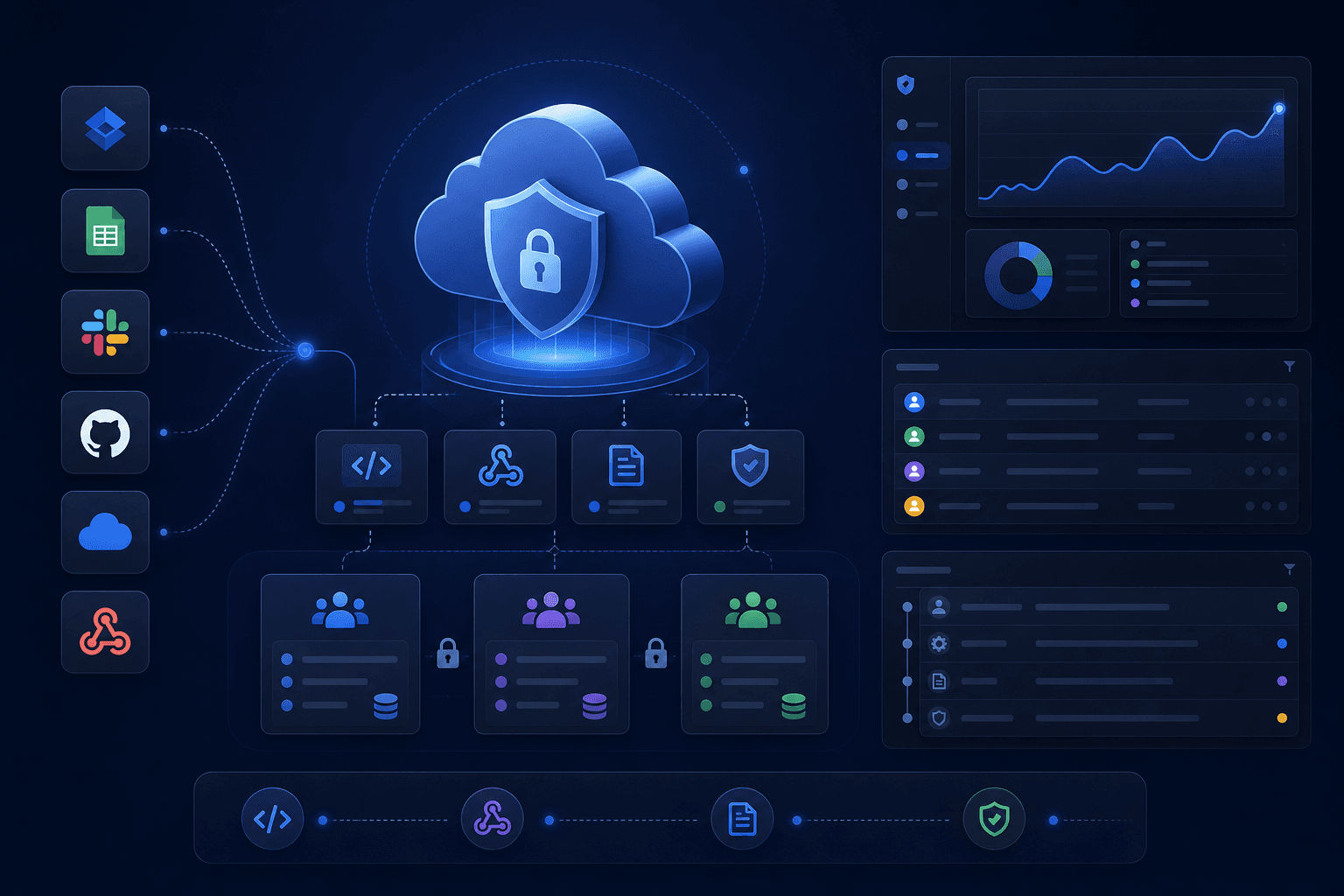
One navigation system across roster, approved-time payroll exports, signed webhooks, and employee records—built for growth spurts.
Business size · Growth
Designed for operators who cannot afford guesswork
These are the product areas available in the application today. External provider setup and each customer's deployment controls remain explicit launch tasks.
Operating loop
Planzion is designed around the real weekly operating loop: build the plan, publish with confidence, let teams respond, then close the week with clean labour data.
Plan
Managers start from templates, departments, and role coverage so the roster has structure before the first shift is assigned.
Template-first scheduling
Publish
Drafts stay internal until admins publish. Employee views focus on confirmed shifts and open opportunities.
Draft-safe by default
Respond
Team members can claim open shifts, but managers keep the approval decision in one inbox instead of scattered messages.
Approval inbox ready
Close
Punches, timesheets, schedule summaries, and audit logs create the trail operators need before export.
Traceable handoff
Scheduling, people, and payroll signals stay in one workspace—recent additions include a classic top-bar layout, deep report routes, and payroll hubs designed like the suites your teams already know.
Publish rosters quickly with reusable patterns, role rules, and a clear view of gaps before you go live.
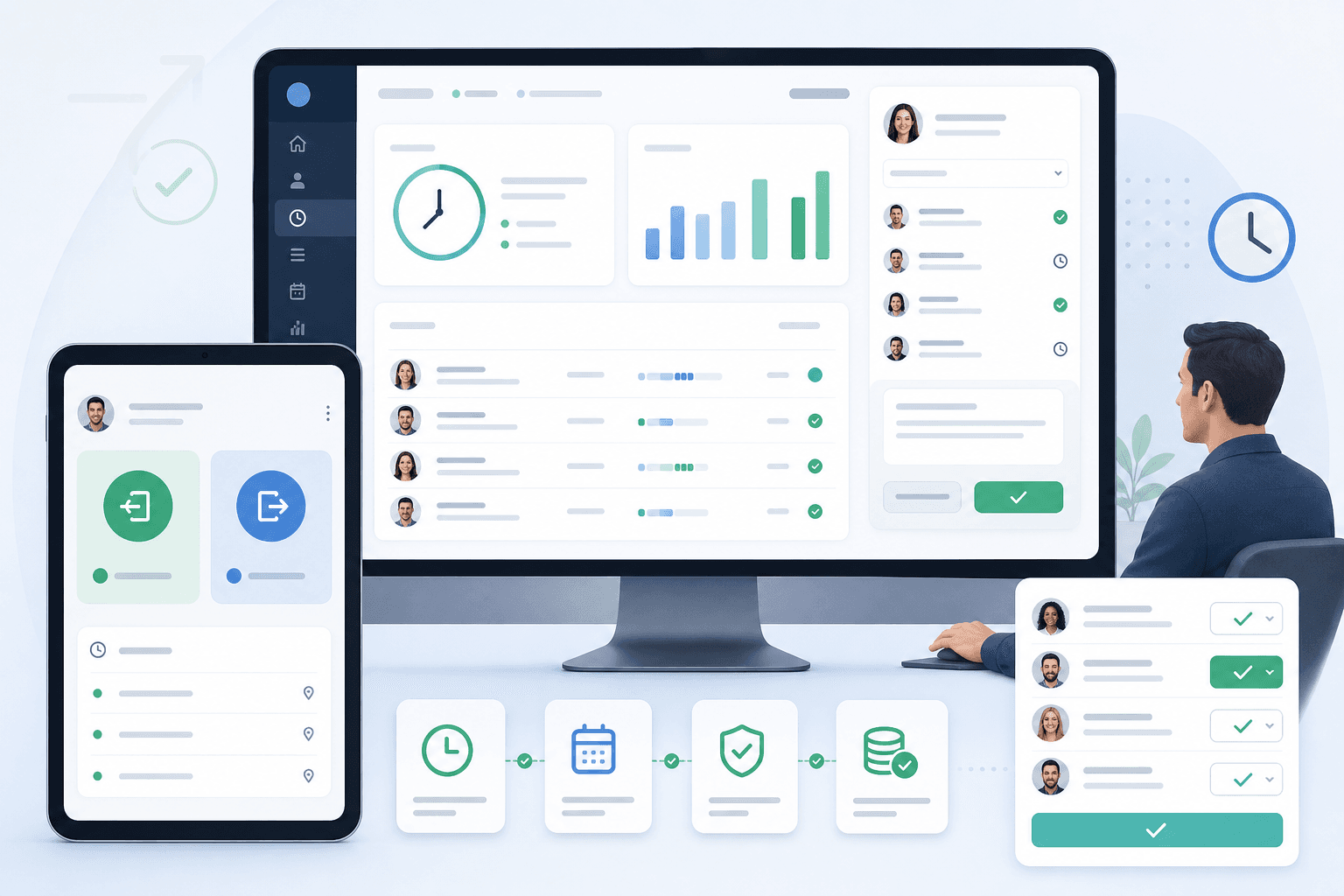
Tie punches to planned work so exceptions stand out and payroll handoff stays straightforward.
Route time-off and sickness through approvals while managers keep coverage under control.
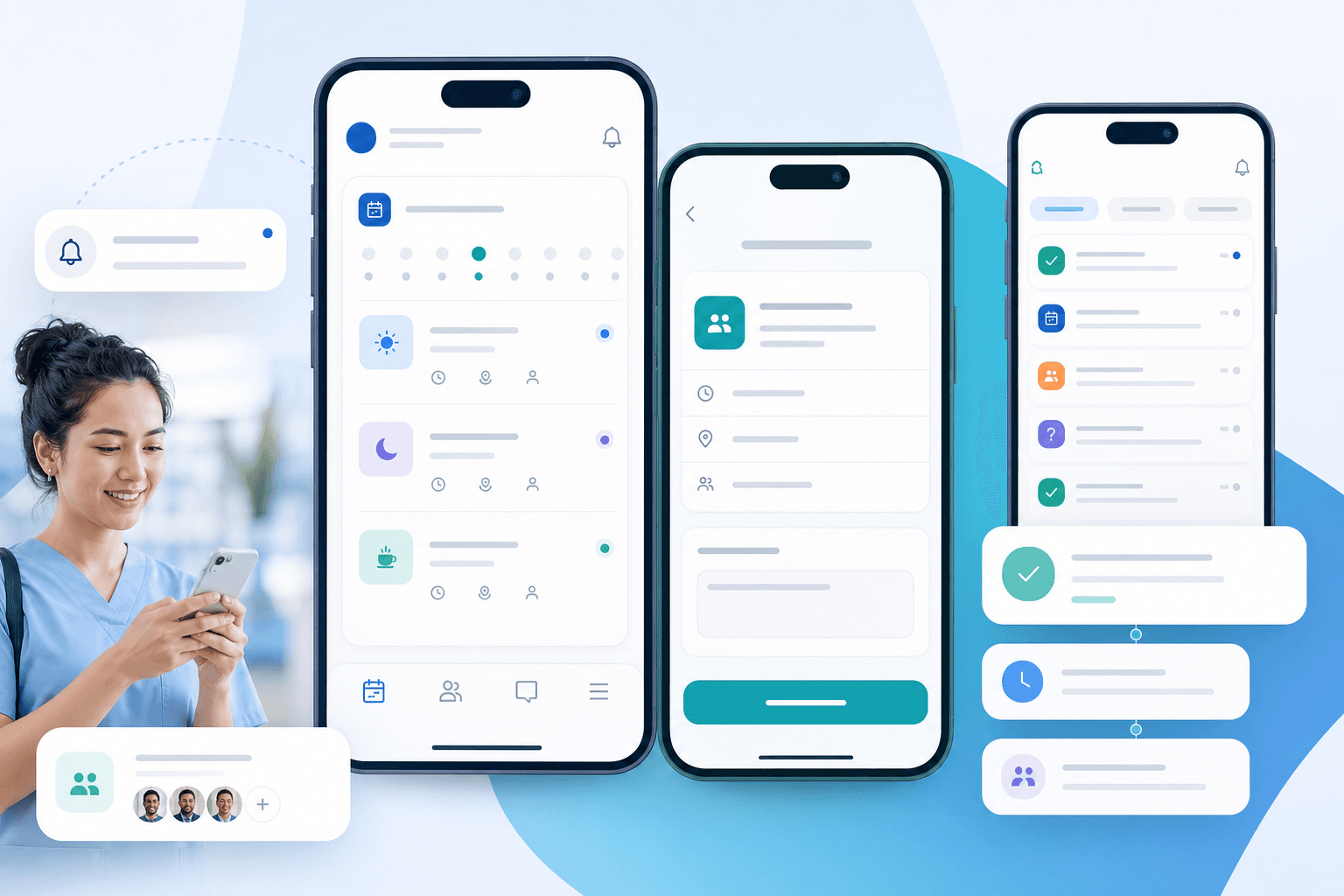
Give staff a single place to see shifts, pick up open slots, and know what changed.
Move critical announcements out of scattered threads so the right people see them in context.
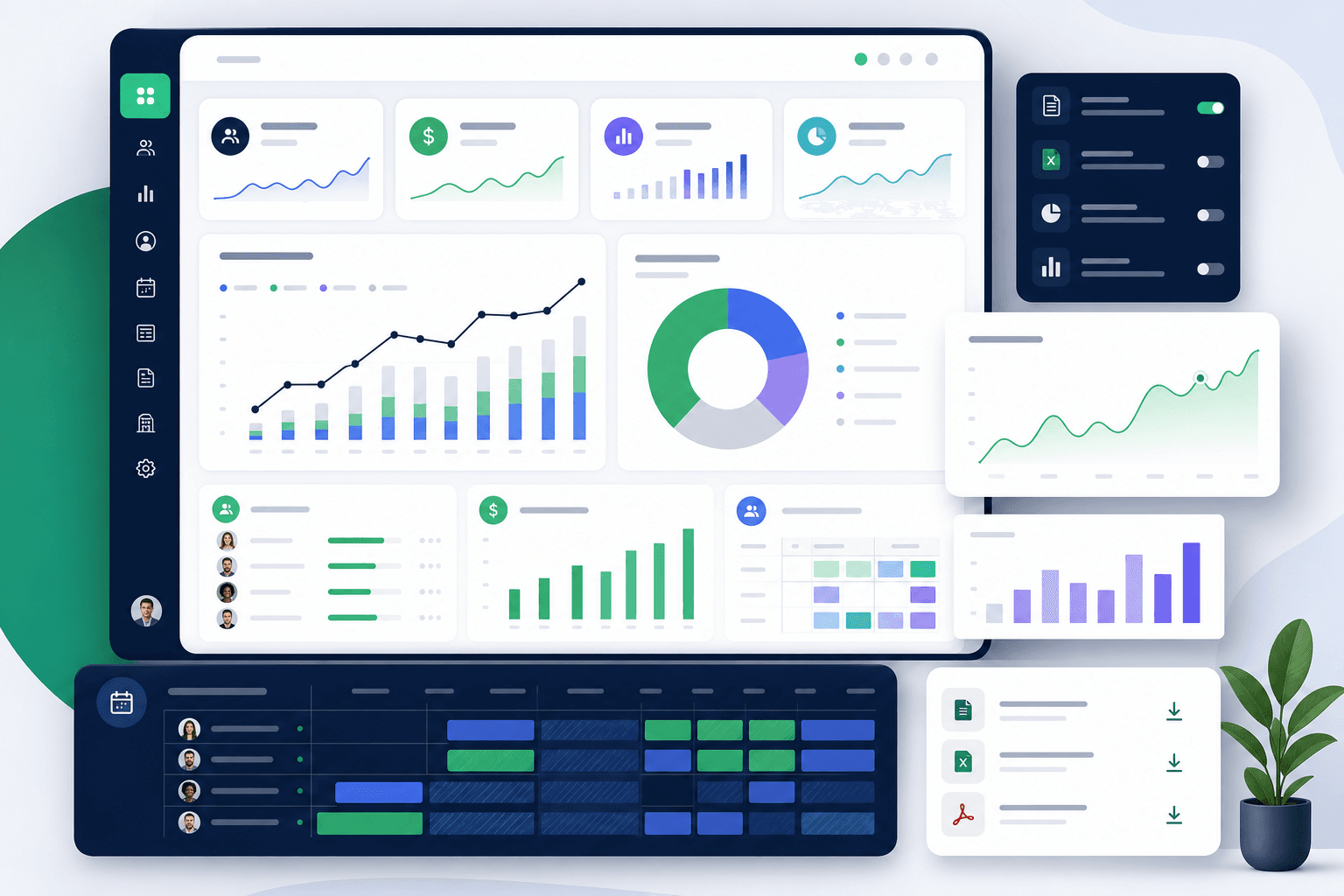
Bookmarkable schedule, labour, contract-hours, and shift-type views with tenant-scoped CSV and scheduled-report exports.
Approve time, lock immutable payroll periods, estimate gross pay, and export configurable CSV snapshots with a complete audit trail.
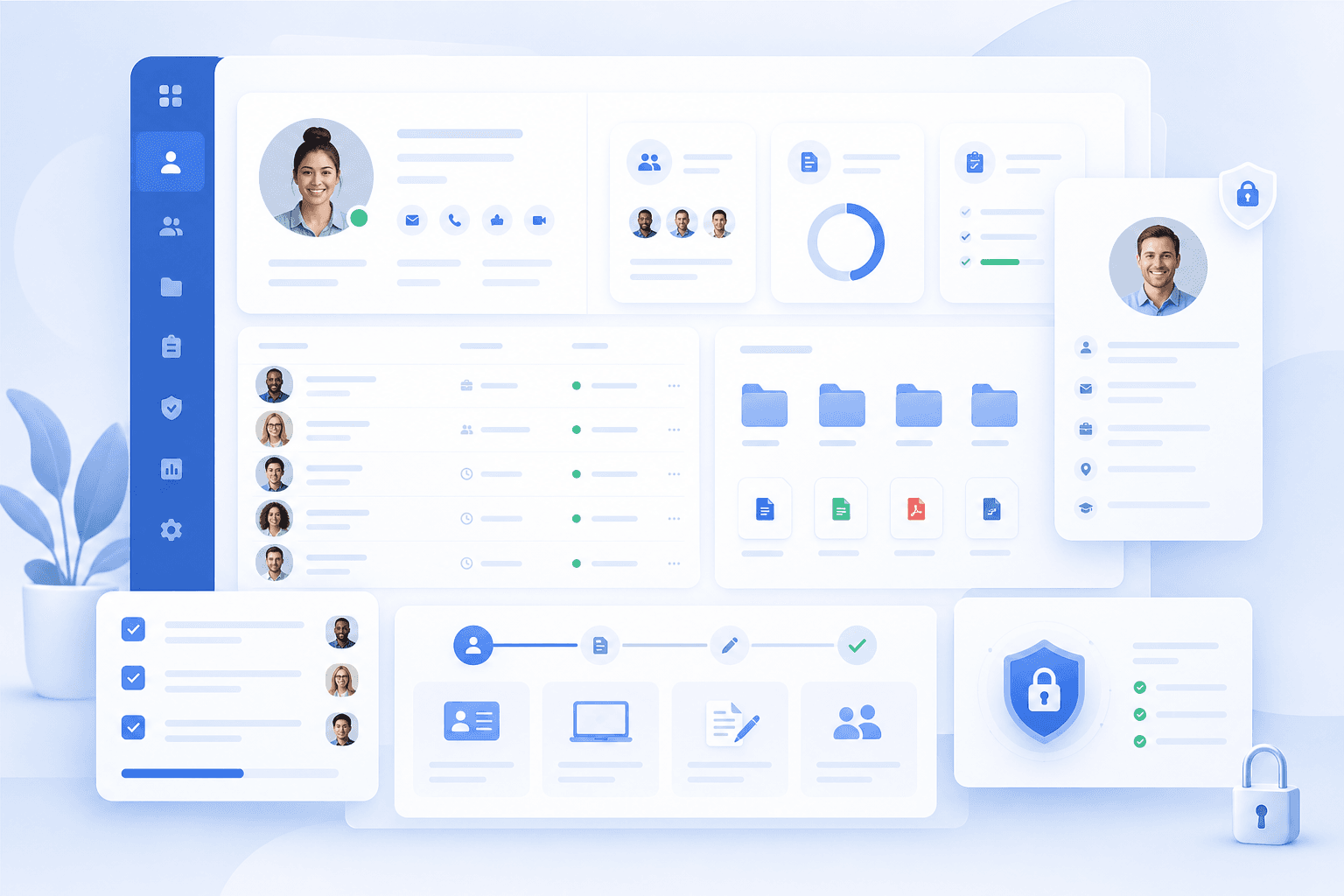
Directory and roster-aware admin views plus CSV import paths so onboarding and corrections scale past single-row edits.
A calm dark top bar mirrors mature workforce suites—Home, Schedule, People, Reports, Payroll, and Settings—so training transfers and muscle memory stick.
Configure signed outbound webhooks, delivery retries, API access, and provider readiness without pretending an unconfigured connector is live.
Platform depth
Each module is shaped around the same tenant, people, and schedule data so buyers can see how Planzion grows beyond launch week.
Publish reliable coverage faster.
Keep employee records close to the roster.
Compare planned work with real attendance.
Give finance stable, bookmarkable views.
Prepare clean handoffs before export.
Protect every tenant and every action trail.
Whether someone clocks in daily or runs ten locations, Planzion speaks the same language: who, where, and when.
Clear plans, fewer surprises
Less rework, faster decisions
One system of record
Implementation
A clean implementation path helps each tenant go from setup to live operations without rewriting their process from scratch.
Create company, locations, departments, roles, and the first manager access model.
Bring in employees, attach departments, and turn recurring staffing patterns into reusable schedule blocks.
Run one live cycle with open shifts, claims, visibility rules, and manager approvals enabled.
Layer in punch clock, timesheets, labour reports, integrations, and audit-friendly operating controls.